Key Features
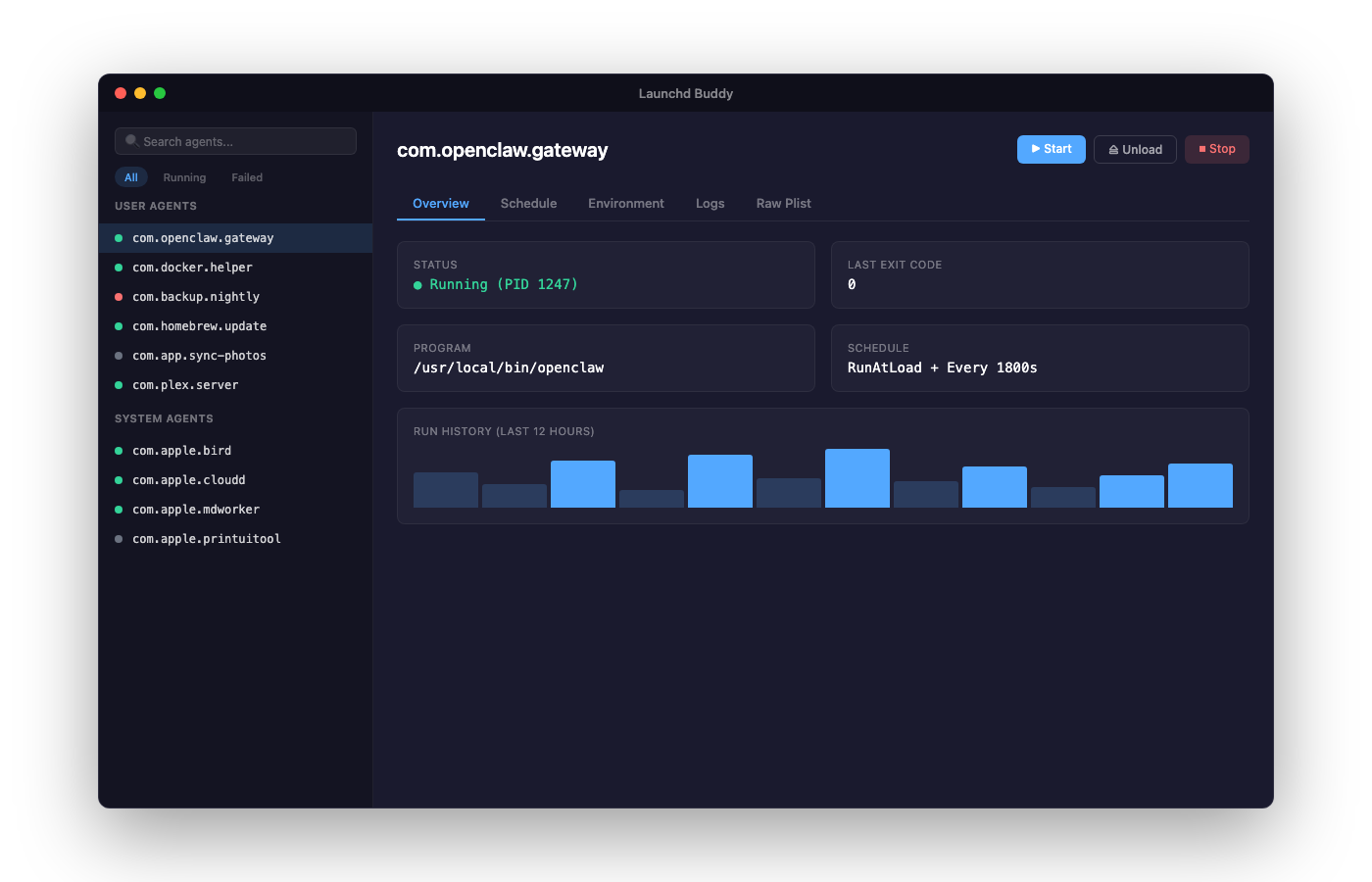
Agent & Daemon Browser
View all your launchd agents and daemons in a clean sidebar. See status, schedule, and last exit code at a glance.
Visual Schedule Editor
Edit RunAtLoad, StartInterval, and StartCalendarInterval visually. No more hand-editing XML plists.
Plist Tree View
Browse and edit plist files in a structured tree view instead of raw XML. See every key and value clearly.
Create New Agents
Wizard-style flow to create new launchd agents. Set the program, schedule, environment variables, and run conditions.
Log Viewer
Read stdout and stderr logs for any agent. Tail mode shows new output in real time.
Failure Alerts
Optional menu bar icon alerts you when an agent fails. Never miss a broken cron job again.
Built For
Developers
Manage your build scripts, local servers, and dev tools that run on schedule or at login.
Sysadmins
Keep tabs on all running agents and daemons. Quickly load, unload, start, and stop services.
Power Users
If you've ever wished launchctl had a GUI, this is for you. No terminal required.
100% Local & Private
Launchd Buddy reads your launchd plist files and runs launchctl commands locally. No data is collected, transmitted, or stored anywhere.
Take Control of Your Mac's Background Services
Stop editing XML plists by hand. Manage your launchd agents the modern way.