Key Features
On-Device AI Organization
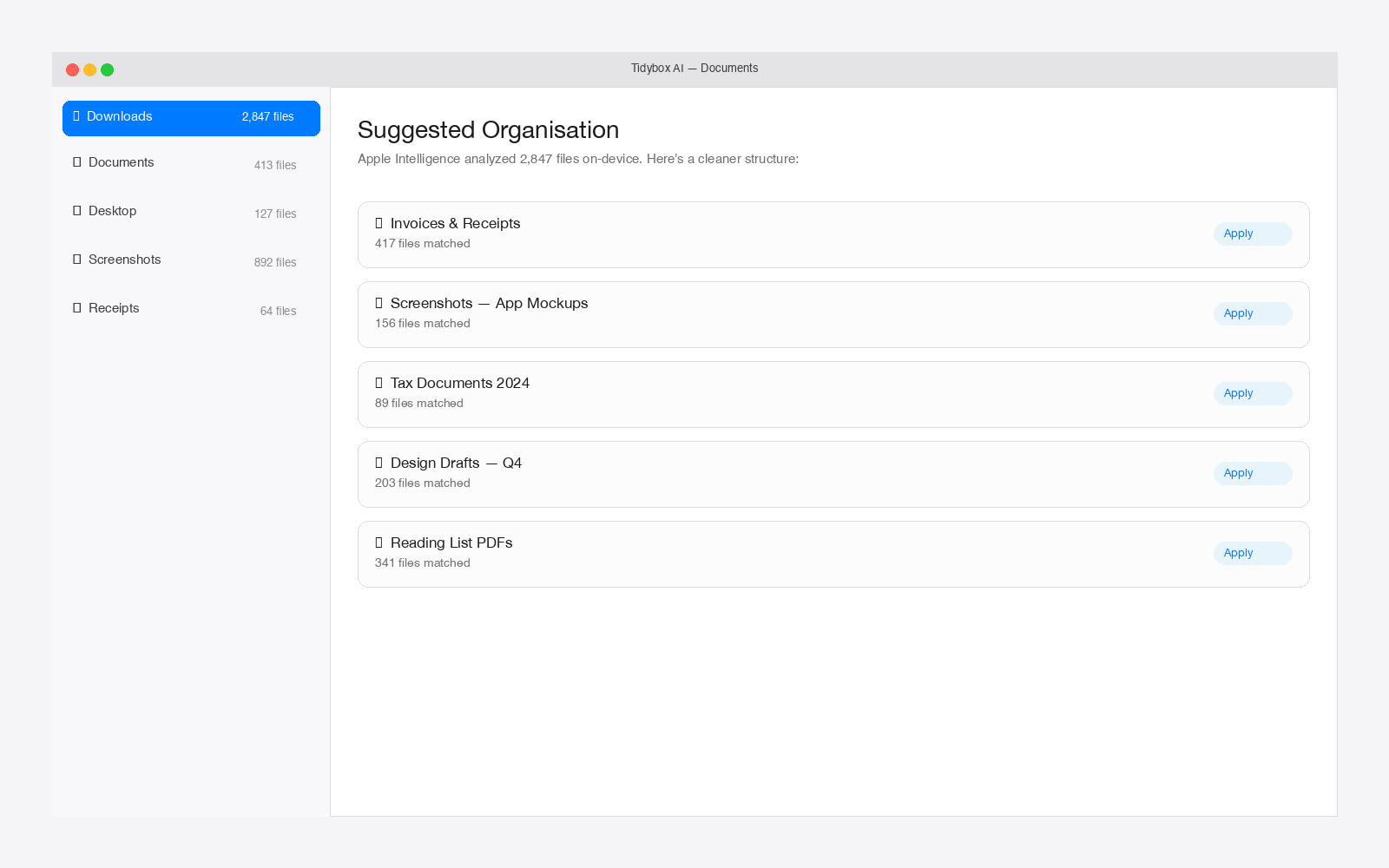
Apple's Foundation Models analyze your files and suggest an organized folder structure with meaningful names based on actual content — not just file types.
Smart Content Extraction
Reads PDFs, extracts text from images with OCR, pulls EXIF data from photos, and gathers Spotlight metadata to truly understand each file.
Review Before Moving
See a clear before/after tree view of the proposed changes with per-file checkboxes. Nothing moves without your explicit approval.
Full Undo Support
Every move and rename is logged. Reverse any changes instantly with one-click undo and automatic empty-folder cleanup.
Flexible Scanning
Point it at any folder — Downloads, Desktop, or project directories. Configure scan depth, naming preferences, and folder rules.
Complete Privacy
Everything happens on your Mac. No cloud uploads, no API calls, no internet required. Your files never leave your device.
Perfect For
Messy Desktop People
Downloads folder overflowing? Desktop covered in files? Point Tidybox at it and let AI sort through the chaos for you.
Photographers & Creatives
Automatically organize photos and documents by content, date, and metadata — no more IMG_4023.jpg scattered everywhere.
Busy Professionals
PDFs, receipts, contracts, and reports organized into a sensible structure. Spend less time filing and more time working.
100% On-Device Processing
Tidybox AI uses Apple's Foundation Models for all AI processing. Your files are analyzed locally on your Mac — nothing is uploaded, transmitted, or stored anywhere else.
Bring Order to Your Folders
Pick a folder. Review the plan. One click to organize.